DVGVoIP Knowledge Base
How can we help you?
Browse by Topic
Getting Started
Provisioning, first calls, welcome email, login
5 articlesMaking & Receiving Calls
Dial codes, hold, transfer, call pickup, parking
6 articlesVoicemail
Setup, greetings, PIN, email notifications
5 articlesMobile & Web Apps
iOS, Android, Windows, web client, notifications
8 articlesAdmin & Settings
Business hours, auto-attendant, ring groups, queues
9 articlesPhone Model Guides
T21, T41, T46, T53, T54, MP56 — setup, keys, features
3 modelsAI Features NEW
AI Agent receptionist, AI Assistant chat, setup
3 articlesDownloads & Reference
PDF guides, quick reference cards, app links
4 articlesGetting Started
Making & Receiving Calls
Voicemail
Mobile & Web Apps
Admin & Settings
Phone Model Guides
Select your phone model for a full user guide — calling, transfers, voicemail, speed dial, and more. Choosing a phone? See the desk phones we deploy.
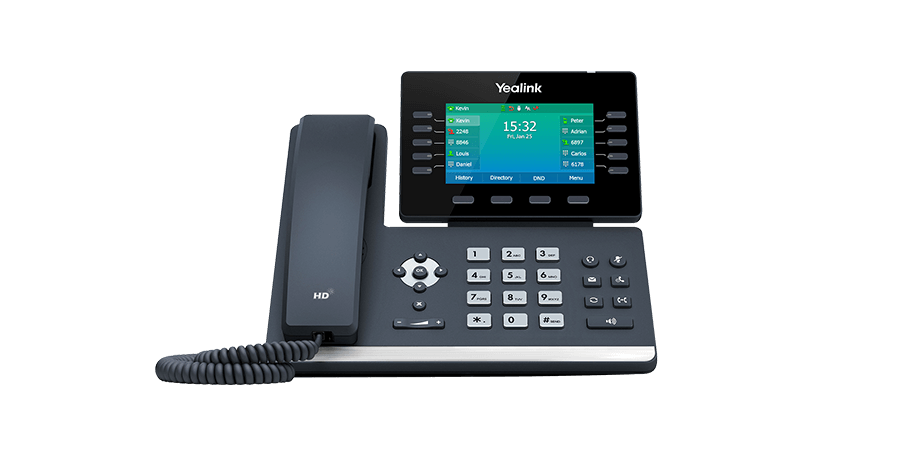
Yealink T54W
Premium color-screen desk phone with dual-band Wi-Fi, Bluetooth, and Gigabit Ethernet. Supports 16 SIP accounts.
View guide →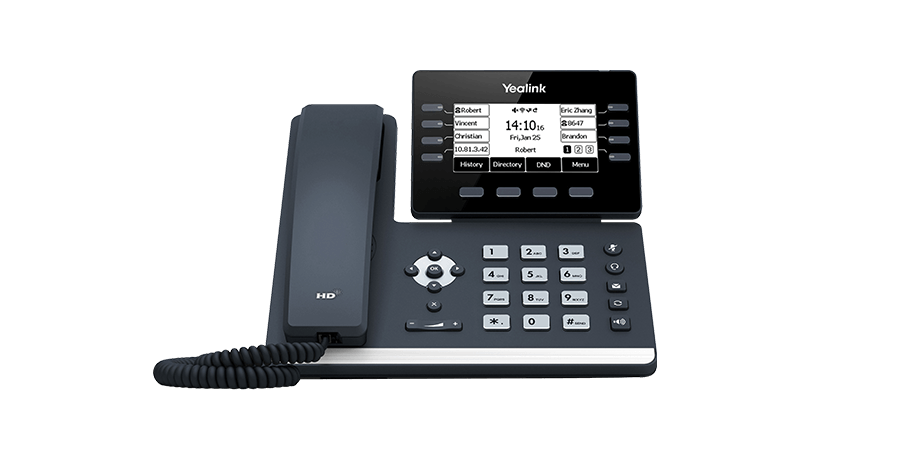
Yealink T53W
Mid-range desk phone with Wi-Fi and Bluetooth. 8 programmable line keys, HD greyscale display.
View guide →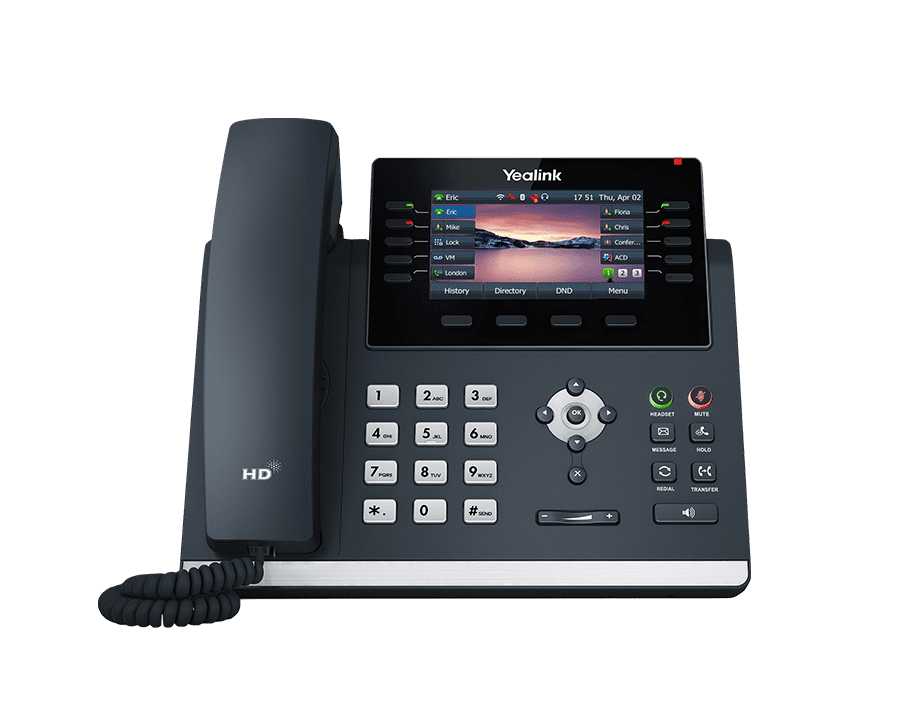
Yealink T46U
Business-class color phone with Gigabit Ethernet and 16 programmable line keys.
View guide →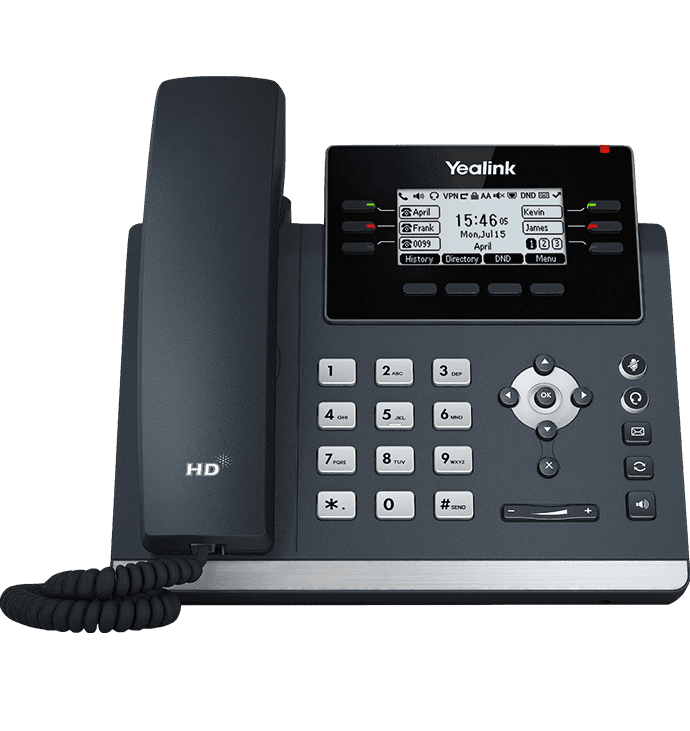
Yealink T41S / T42U
Reliable mid-range desk phones. T41S has 3 line keys; T42U has 12 line keys and Gigabit Ethernet.
View guide →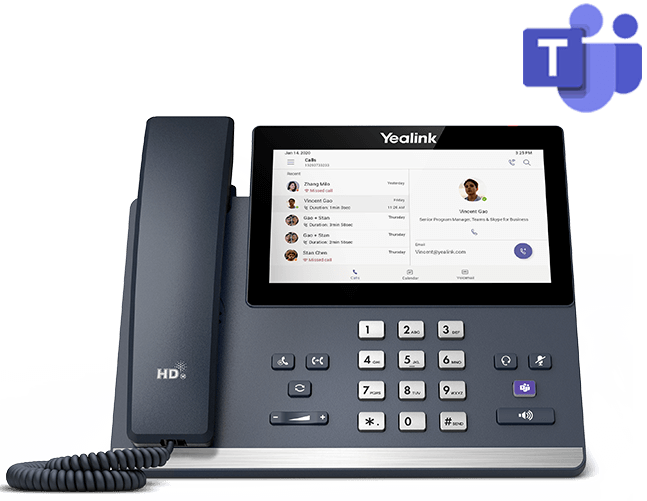
Yealink MP56
Microsoft Teams-optimized desk phone with 7" color touchscreen and dedicated Teams button.
View guide →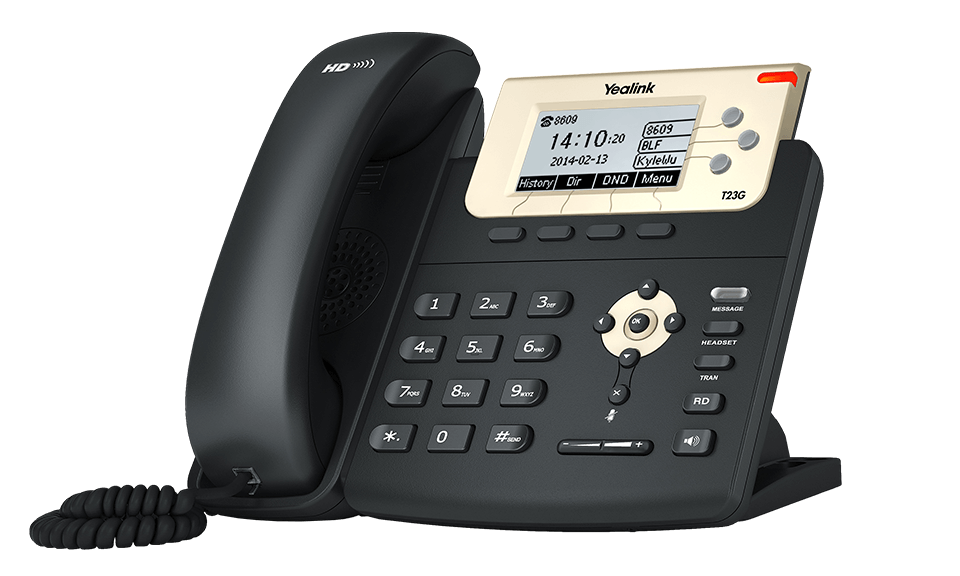
Yealink T21P / T23G
Simple, reliable entry-level phones. Ideal for basic calling needs in reception or shared spaces.
View guide →