The 3CX mobile app turns your smartphone into a full business extension. Calls show your business number to the recipient — not your personal cell number.
What You’ll Need
- Your smartphone (iOS or Android)
- Your 3CX welcome email (sent directly from 3CX when DVGVoIP sets up your extension)
- A Wi-Fi or cellular data connection
Step 1: Download the App
Search for 3CX in the App Store (iPhone) or Google Play Store (Android) and install it. The app is free.
Step 2: Scan Your Provisioning QR Code
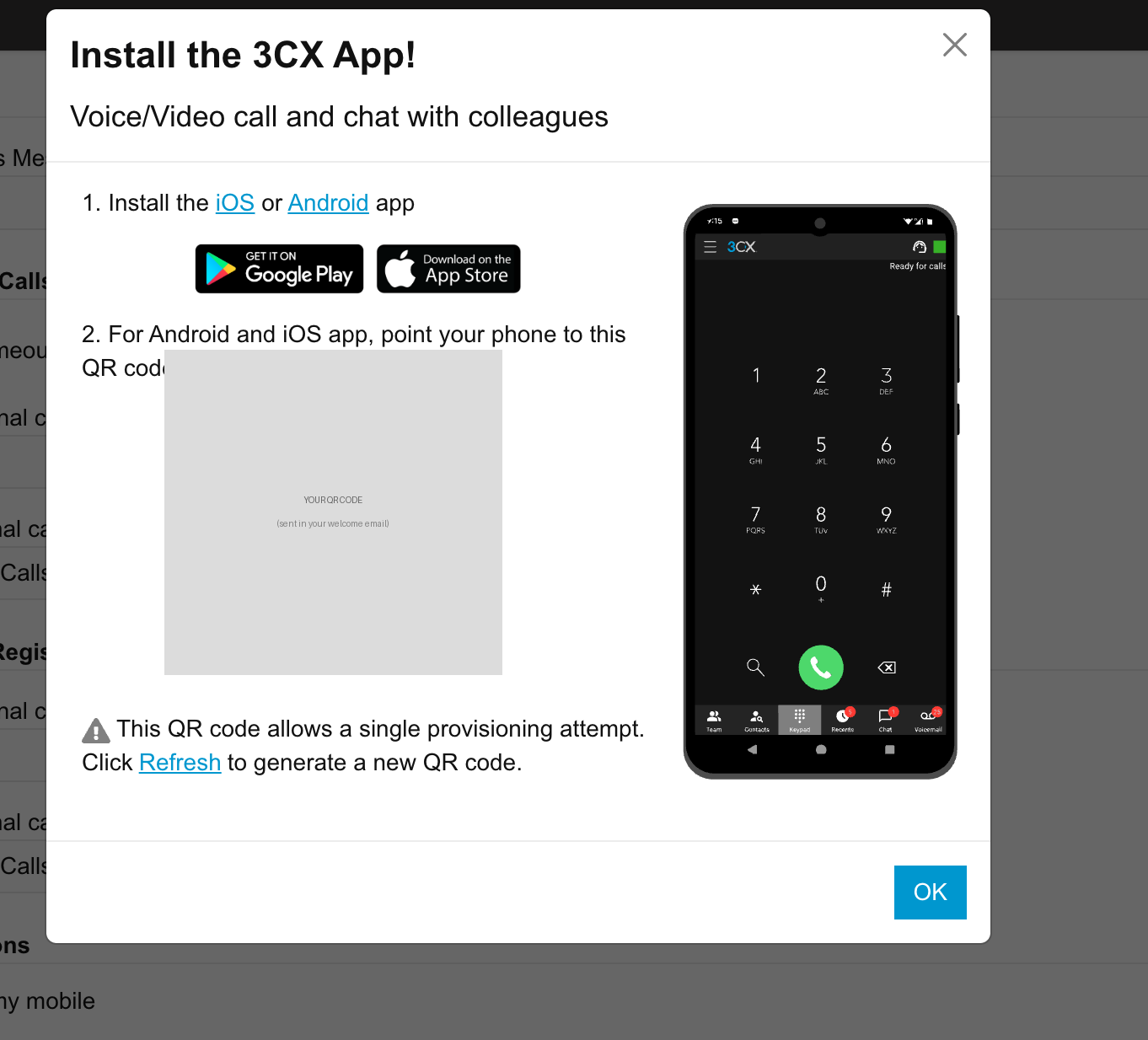
When DVGVoIP sets up your extension, you’ll receive a welcome email sent directly from 3CX containing a QR code. This code automatically configures the app with your extension settings — no manual entry required.
- Open the 3CX app
- Tap Scan QR Code
- Point your camera at the QR code in your welcome email
- The app will configure itself automatically
⚠️ The QR code is single-use. Once scanned, it cannot be used again. If you need to set up a second device or the scan fails, log in to the 3CX web client, go to your profile, and click Refresh to generate a new QR code — or email support@dvgvoip.com and we’ll trigger a resend from the 3CX portal.
Tip: If you can’t find your welcome email, check your spam folder — it comes from a 3CX address, not DVGVoIP. If you still can’t find it, email support@dvgvoip.com and we’ll trigger a resend from the 3CX portal.
Step 3: Allow Notifications
When prompted, allow the app to send notifications. This ensures your phone rings when a business call comes in, even when the app is in the background.
On iPhone, go to Settings → 3CX → Notifications and enable Allow Notifications.
Step 4: Test a Call
- Incoming: Have someone call your business number. Your mobile app should ring along with your desk phone.
- Outgoing: Open the 3CX app, tap the dial pad, and make a call. The recipient will see your business number.
Adjusting Your Status
The app shows your availability to colleagues:
- Available — you’ll receive calls
- Away — calls still route to you but colleagues can see you’re away
- Do Not Disturb — calls go straight to voicemail
Tap your name or avatar at the top of the app to change your status.
Transferring Calls on Mobile
To transfer a call to a colleague:
- While on a call, tap Transfer
- Choose Blind Transfer (immediate) or Attended Transfer (announce first)
- Dial the colleague’s extension or select from your contacts
Need Help?
Open a support ticket by emailing support@dvgvoip.com before calling — this helps us resolve your issue faster. Or call (807) 700-7111.